Every finding comes either from the browser’s own measurement or from a published specification — and the interface tells you which.
Real Core Web Vitals
LCP, CLS and TTFB are read from the browser’s performance timeline rather than estimated. LCP is broken into its four sub-parts and CLS uses the session-window rule.
16 AI crawlers
robots.txt rules for GPTBot, ClaudeBot, PerplexityBot, Google-Extended and the rest are resolved per RFC 9309. User-triggered fetchers are listed separately.
Raw HTML vs rendered DOM
The HTML the server sent is compared with the page the browser built, showing exactly what a bot that does not run JavaScript would miss.
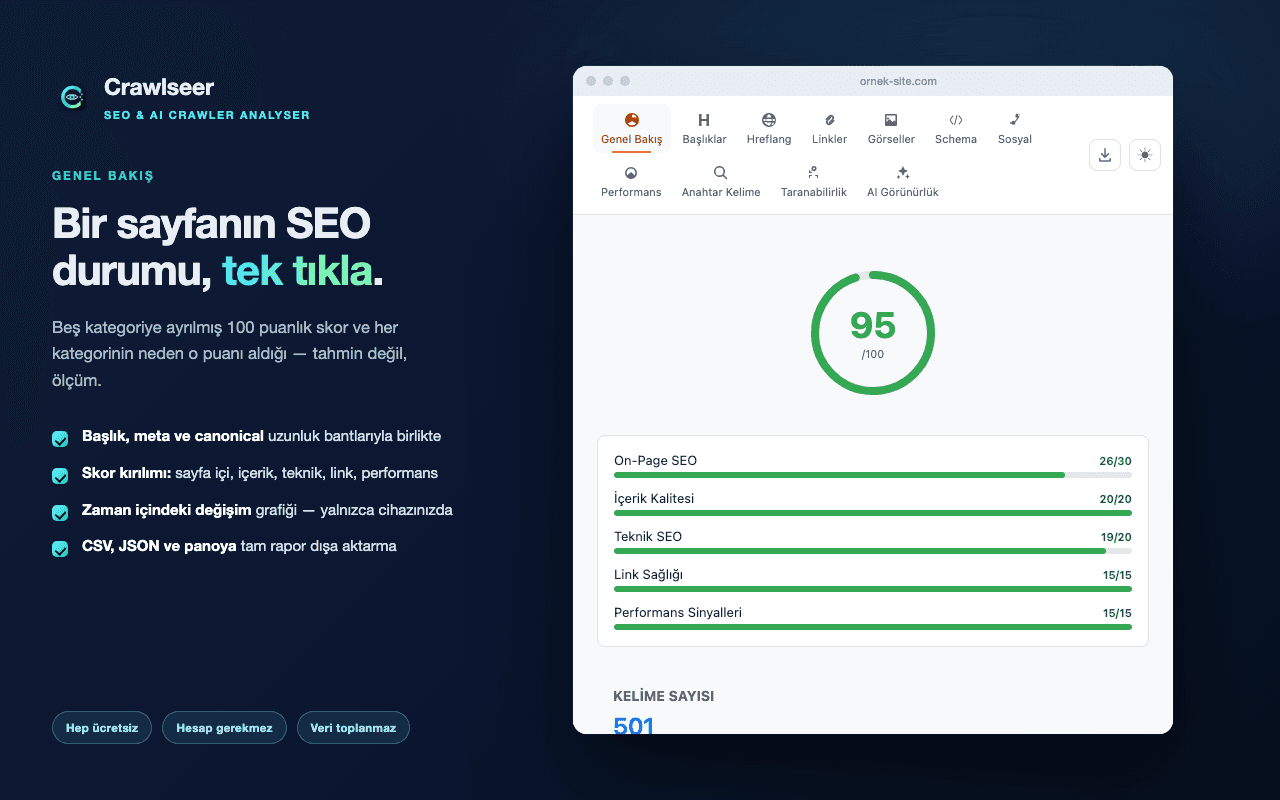
Overview · Headings · Hreflang · Links · Images · Schema · Social · Performance · Keywords · Crawlability · AI Visibility
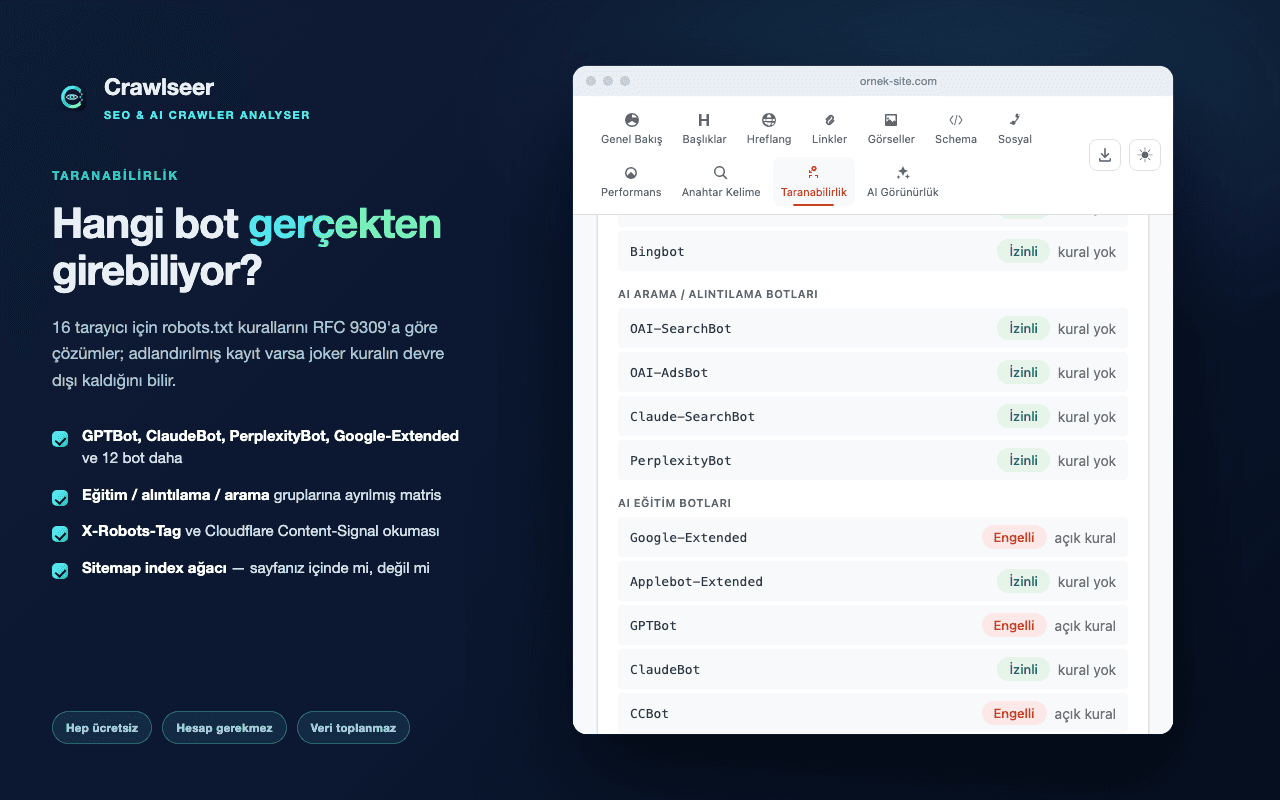
Which bots can actually get in?
robots.txt is resolved, not just read. When a crawler has its own named group the wildcard group stops applying entirely — a distinction most tools miss, and one that produces false "allowed" verdicts.
- A matrix split into training, citation and search groups
- X-Robots-Tag and Cloudflare Content-Signal parsing
- The sitemap index tree — is your page in it or not
- Sitemap URLs declared in robots.txt but unreachable
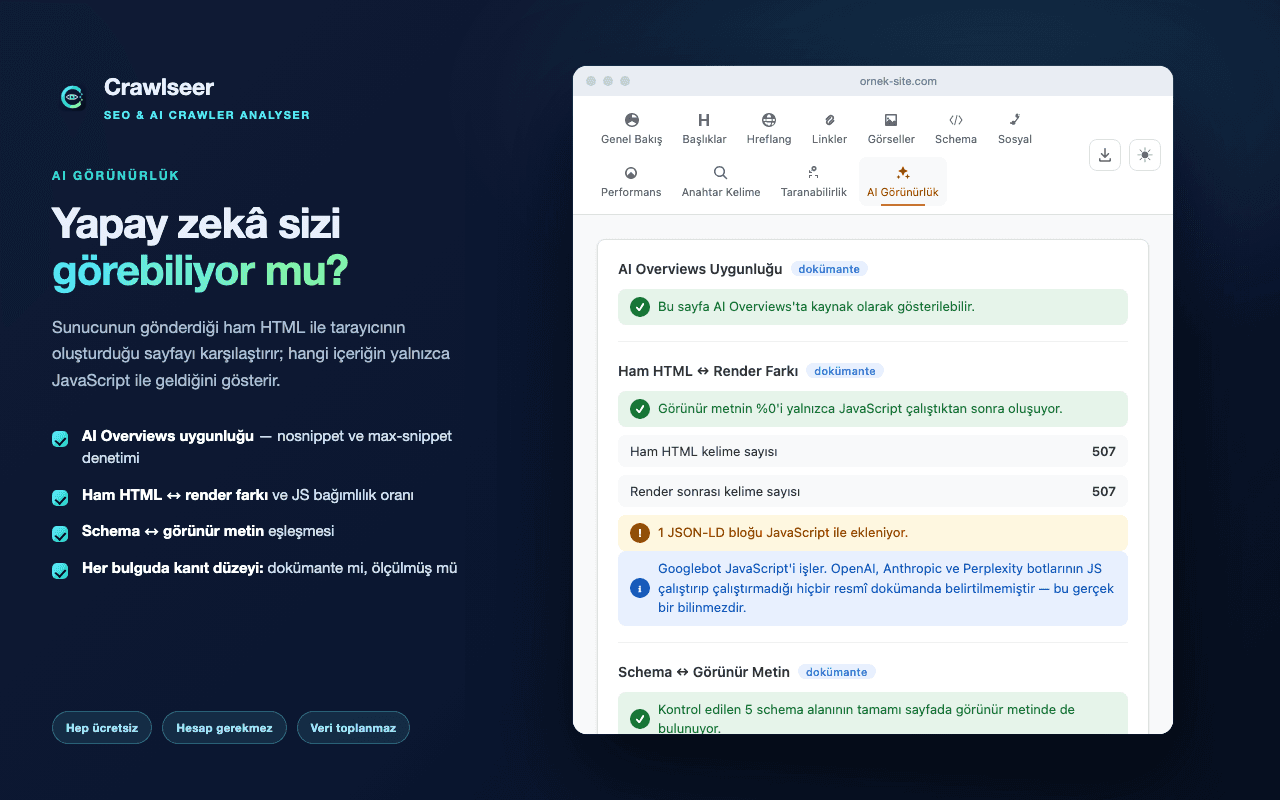
Can AI see you?
The AI Visibility pane examines whether your content is fit to be cited by generative search engines across seven blocks, and states the evidence level behind each finding: documented, or measured.
- AI Overviews eligibility — nosnippet and max-snippet checks
- Raw-vs-rendered delta and JavaScript dependency ratio
- Schema against visible text
- Citability, date consistency and agent readiness
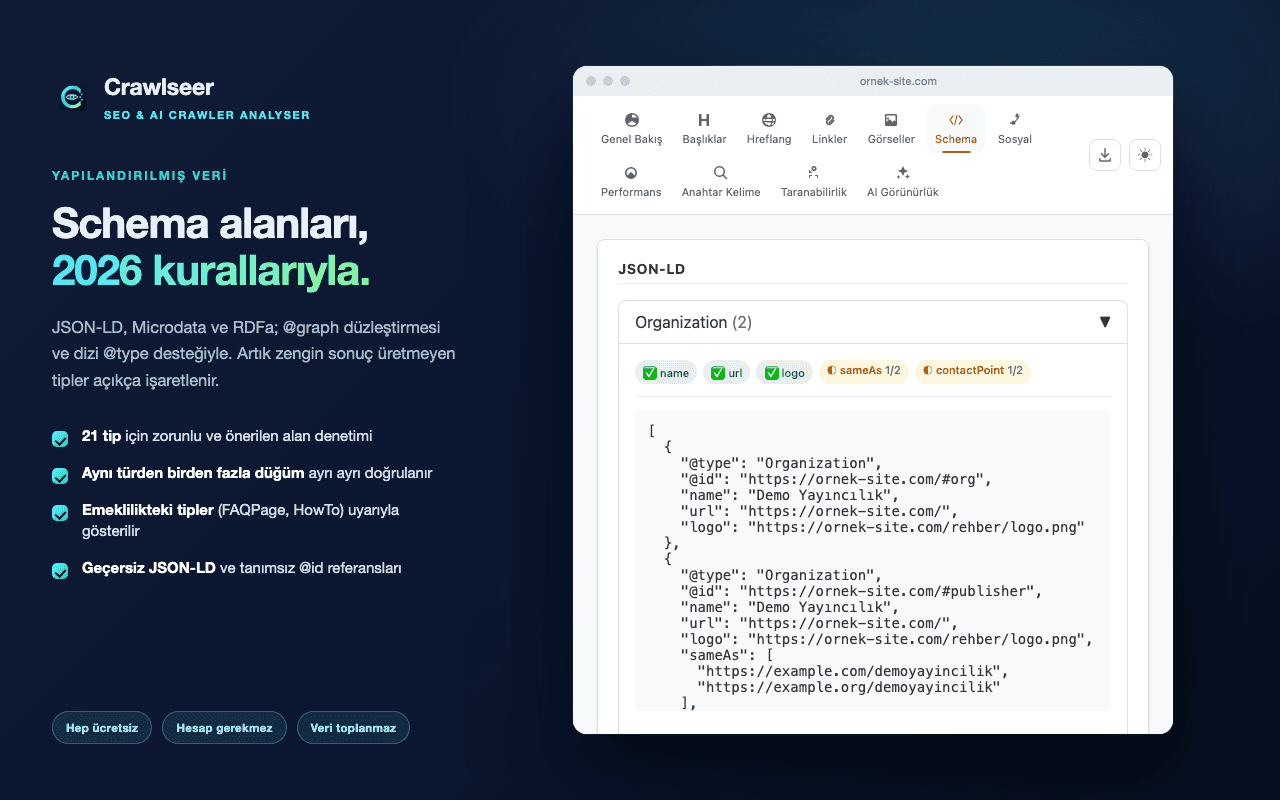
Schema fields, against 2026 rules
JSON-LD, Microdata and RDFa, with @graph flattening and array @type support. Where several nodes share a type each is validated separately, and the report states in how many the field is present.
- Required and recommended field checks for 21 types
- Types that no longer produce rich results (FAQPage, HowTo) flagged
- Invalid JSON-LD and dangling @id references
- Structured data compared with the text on the page
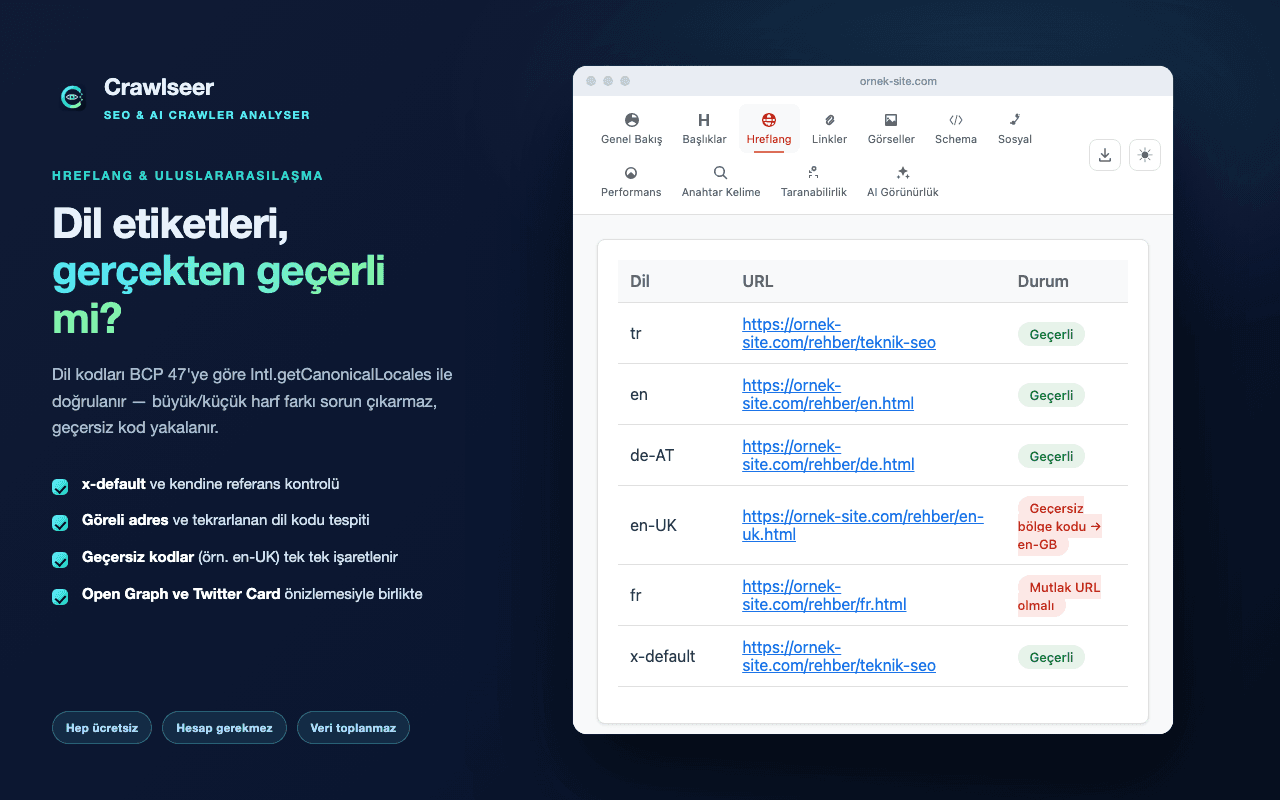
Is the hreflang actually valid?
Language codes are validated with the browser’s own BCP 47 resolver. Case differences are tolerated, while classic mistakes like en-UK are caught and the correct form (en-GB) is shown.
- x-default and self-reference checks
- Relative URLs and duplicate language codes
That is the architecture, not a slogan: there is no backend, so there is nowhere for data to be sent.
No server
The extension has no backend. Every analysis runs in your browser.
No URLs stored
Score history keeps an irreversible SHA-256 digest of the page address, not the address itself.
No third-party code
The package contains no external libraries and loads no remote code.
Clear it in one click
The "Clear history" button removes everything stored — you do not have to uninstall.
Read the full privacy policy →